Product feature
Delivery and tracking
Send activities where people already work, then keep the real status visible after the prompt leaves the workspace.
The message is only the start; EleWave keeps the work visible until it is completed, reviewed, or escalated.
The moment it fixes
Sending a reminder can feel like progress, but a sent message is not completed work. People miss prompts. Threads move on. Managers assume something happened because the instruction went out.
EleWave separates delivery from completion. The activity can reach people through the right surface, then continue to report its real state after the first prompt is gone.
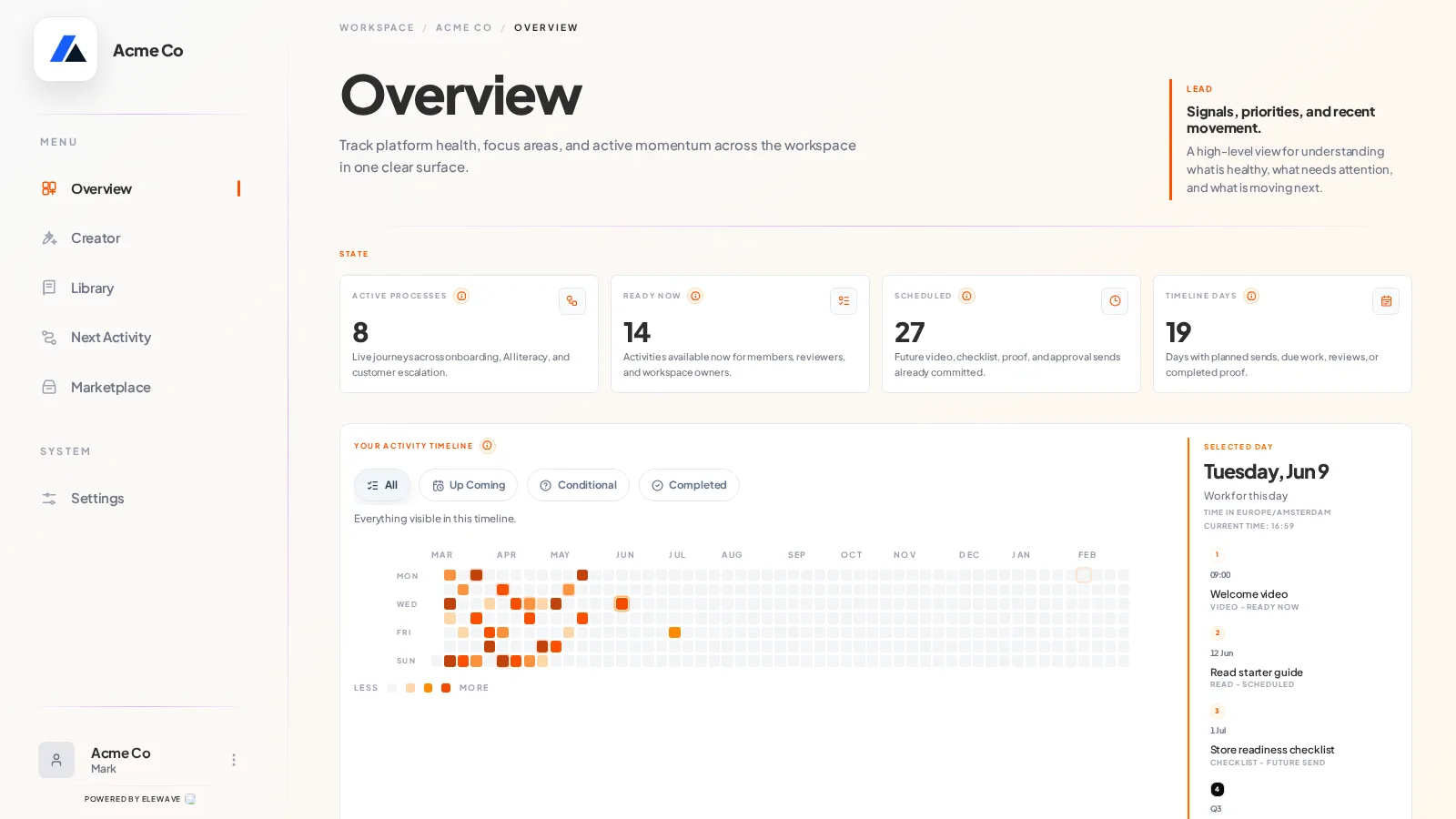
How EleWave changes it
A rich activity can open on the web when it needs video, forms, files, proof, or review. A quick prompt can arrive in Slack when the action is simple and timely. The workspace keeps the source of truth either way.
People act where the work is easiest. Operators track progress where the process is managed.
A follow-up in motion
A community owner schedules a weekly action prompt. Members receive the prompt, complete it from the available surface, and submit feedback. EleWave marks completed activities, flags the members who have not responded, and shows the owner what needs a nudge before the next session.
The team does not need to ask whether the broadcast worked. They can see who moved.
What stays visible
Delivery and tracking keep the process alive after send. EleWave shows what is available, what was delivered, what is overdue, what needs review, what was returned, and what has been completed with proof.
That turns reminders into an operating view instead of another stream of notifications.
Product moment
A manager sends the shift routine to multiple locations. By the time the day is underway, EleWave shows which locations completed the checklist, which ones uploaded proof, and which activity needs escalation. No channel-by-channel chasing.